DemoPolish editor: fix any line without losing your video
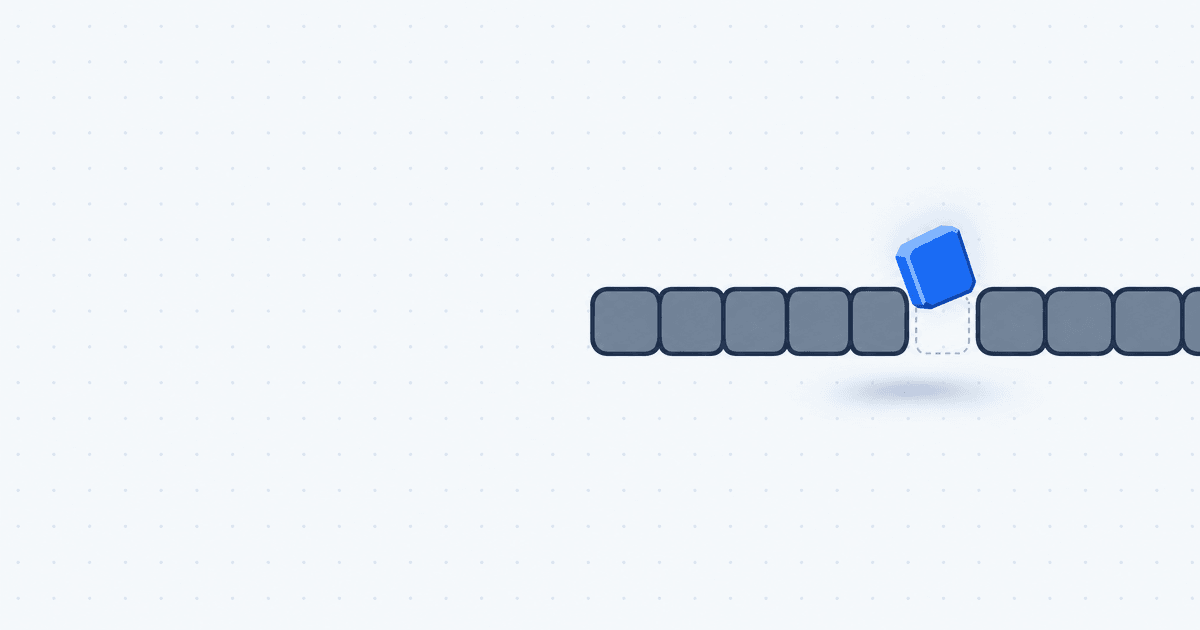
The new DemoPolish editor starts with your finished video. You watch it, click the narration line that sounds off, fix it, and re-voice only that line. Your video stays downloadable the whole time.
Before this editor, DemoPolish asked you to review the script before it rendered anything. You read the rewritten lines, approved them, and only then saw what you had made. That order was backwards, because you can't judge a line of narration until you hear it over its picture.
What changed in the DemoPolish editor
- Video first. Your upload renders straight to a finished video. There is no script review step before rendering.
- One screen to edit on. One player, the selected line beside it, and a timeline of the whole video underneath.
- Small fixes stay small. Edit a line, hear it, and re-voice only the lines you changed.
- Nothing is taken away. Your current video stays playable and downloadable until the new version is ready.
- Your ending is kept. The video now runs to the end of your recording.
Watch the finished video first
Upload a recording and the next thing you see is a finished, narrated video you can watch and download. Often that's all you need.
When it isn't, you already know which moment bothers you, because you just watched it. Editing starts from the line that sounds off, not from reading dozens of lines cold.
Find any line fast, even in a long video
A short demo fits on one screen. A long walkthrough doesn't, so the timeline is built to get you to the right line quickly.

- A strip of the whole video. The top bar is your entire recording. Drag the frame to move through the video, and drag its edges to zoom.
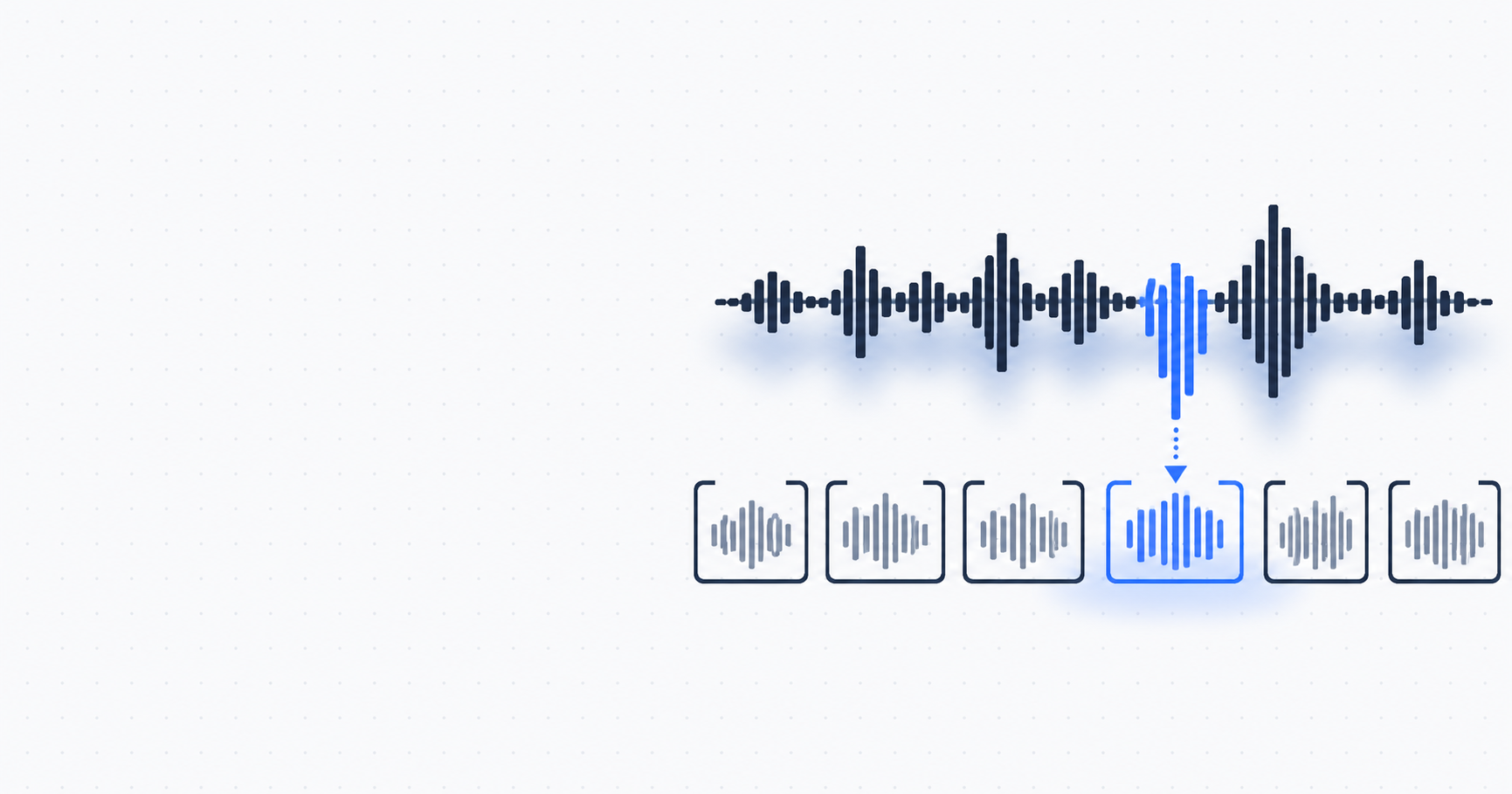
- A clip track. Every narration line sits at its place in time, so you can click straight to the one you want.
- A navigator for lines that need a look. A counter such as "1 of 3" steps you from one flagged line to the next, so you don't scrub through the video to find them.
The player also has a Polished/Original switch. Flip it to compare the polished video with your original recording.
Edit a narration line and re-voice only that line
Click a line and it opens beside the player. Change the words and hear the new narration before you commit.

When you're done, re-voice. Only the lines you changed are voiced again, and the rest of the video stays as it was.
Your video stays downloadable while you fix it
This is the part I care about most. Your current video stays playable and downloadable until the new version is ready. If someone needs the demo in the middle of a fix, it's right there.
If a fix fails, nothing is lost. The video stays unchanged and your edits are kept, so you can try again.
Change the voice or music, or start over
You can change the voice or the music for the whole video without losing your script. The words stay as they are, and the new voice reads them.
Want a completely fresh take? Start over makes a new script from your recording. It doesn't delete your current video, so the version you have stays in place.
Your recording's ending is kept
The polished video used to stop at the last spoken line, so anything on screen after it was cut. If your recording finished on a result, like a filled-in dashboard or a confirmation screen, viewers never saw it.
Now the ending after your last line is kept. The video ends where your recording ends.
One status line, two colors
The editor has a single status line that tells you where your video stands.
The timeline uses two colors, and only two:
- Needs a look (orange): a line DemoPolish suggests you check.
- Edited (blue): a line you've changed.
Try the new editor
Upload a recording, watch the finished video, and fix the one line you'd change. New to DemoPolish? Start your trial and put your next screen recording through it. For the steps before upload, see how to polish a screen recording.
FAQ
Does DemoPolish still ask me to review the script before rendering?
No. Your upload now renders straight to a finished video. You watch it first, then fix any line you want to change in the editor.
Do I have to re-voice the whole video to fix one line?
No. Only the lines you changed are voiced again. Every other line stays as it was.
Can I still download my video while a fix is running?
Yes. Your current video stays playable and downloadable until the new version is ready.
What happens if a fix fails?
Your video stays unchanged and your edits are kept, so you can try again without retyping anything.
Can I change the voice or music without losing my script?
Yes. Voice and music apply to the whole video, and changing either keeps your script as it is.
What do the orange and blue marks on the timeline mean?
Orange means Needs a look: a line DemoPolish suggests you check. Blue means Edited: a line you have changed.