Introducing Pause Tags: Narration That Waits for the Screen
Every demo has a moment it is building toward. The click lands. The page finishes loading. The thing you have spent forty seconds setting up finally appears.
And the narration is already two sentences past it.
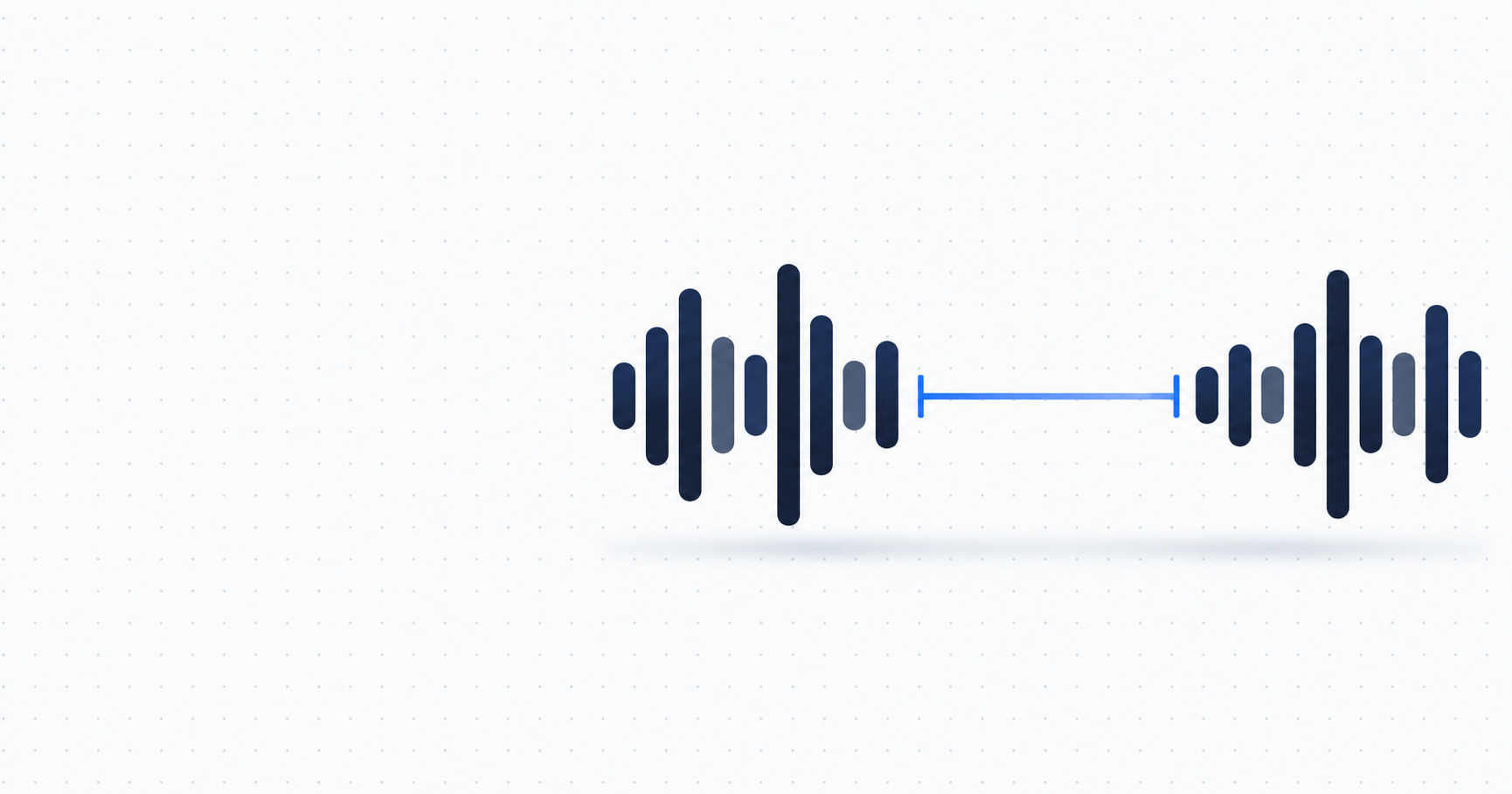
You can now tell it to wait. Type [pause 3s] anywhere in a script line and you get exactly three seconds of silence at that point.
When the narration outruns the screen
DemoPolish rewrites your narration and speaks it in an AI voice, line by line, matched to the timing of your original recording. The words land roughly where you said them.
Roughly is the problem. When you record yourself, you slow down without thinking about it. You trail off while something loads. You stop talking entirely while a menu animates open. An AI narrator does none of that. It reads at a steady rate, finishes early, and moves on while the screen is still catching up.
Until now the only way to buy that time back was to pad the script with words you did not want. "And as you can see here, once that finishes loading, what we get is..." Filler, written for no reason except to fill a gap.
Silence is the honest version of that sentence.
Write the pause where you want it
In the editor, put the tag in the line at the point you want the silence:
This is your dashboard. [pause 3s] To start a new project, click Create New. That gives you three seconds of quiet between the two sentences. The first plays, the video keeps running, nothing is said, then the second one lands.
A few things worth knowing:
- Fractions and milliseconds both work:
[pause 1.5s]and[pause 500ms]. - The keyword is not case sensitive, so
[PAUSE 2S]is the same thing. - Anything from a tenth of a second up to ten seconds. Ten is the ceiling for a single silence, and two tags written side by side merge into one rather than stacking past it.
- You can put one at the start or the end of a line, not only between sentences.
- If you would rather not type it, each line has a Pause button that drops the tag in at your cursor.
The editor shows you what it costs
Each line in the editor has a bar showing how the narration fits the moment it belongs to. That moment is fixed. It comes from your original recording, and it is the reason the finished voiceover stays in step with what is on screen.
Which means silence is paid for out of the same budget as the words. Add three seconds of pause to a six second line and you have three seconds left for talking.
So the line's estimate updates the instant you type the tag. If the line no longer fits, the editor marks it "Too long by" the number of seconds it runs over, before you re-voice it. Shorten to fit still works on those lines, and it now leaves your pause markers exactly where you put them rather than quietly deleting them.
What actually gets rendered
Real silence, at the length you asked for.
That is less obvious than it sounds. DemoPolish has a timing system that speeds narration up slightly when a line runs long, so it still fits its moment. If a pause went through that machinery, the three seconds you asked for would come back as two and a half, and the whole point of asking would be gone.
So the pause never enters it. The words either side are timed and fitted first, and the silence is placed afterwards, untouched. If a line is too tight to hold everything, the words absorb the difference and the pause stays the length you wrote.
Getting that to behave identically in the editor preview, on our server and in the render worker took considerably longer than a feature this small has any right to.
Where a pause earns its place
The pause is most useful in the places your own voice would have gone quiet anyway:
- Before a click lands. Let the viewer watch the thing happen instead of hearing it described over the top.
- While something loads. A spinner with narration over it sounds rushed. A spinner with two seconds of quiet sounds deliberate.
- Between sections. A beat before you change subject does more for comprehension than any transition sentence.
- After a number. Say the number that matters, then stop talking and let it sit there.
Good demo narration is not a wall of speech. It is speech arranged around the things you want people to look at.
Pause tags are live now for every plan. Open a video in the editor, type [pause 2s] into a line, and hear the beat before you re-voice it.