The Play Button That Played the Wrong Audio
DemoPolish has a step where you review the script before you pay to render it. The AI has rewritten your narration, line by line, and you get to edit any line you don't like before committing.
Each line had a play button. You'd click it and the video would jump to that moment and play.
And you would hear your own original narration. Your voice. The old words. The exact thing you came here to replace.
It wasn't broken
That's what took me a while to see. Nothing had failed. There was no error, no exception, no null in a log somewhere. A <video> element was playing a video file, and that video file had your original audio in it, because of course it did. That's the file you uploaded. Every component was behaving exactly as designed.
The gap was that nobody had ever written down what the button was for. It looked like a play button, so it played. What a user wanted from it was let me hear what I just wrote, and no line of code anywhere had been asked to do that.
I found it the way you find these things: I used my own product, clicked the button, and heard the wrong thing.
Why the wrong audio is worse than none
If the button had done nothing, someone would have filed a bug the first week. A dead button is obvious.
Instead it played something plausible. You'd edit a line, press play, hear a person confidently narrating that part of the video, and your brain would file it as working. You'd approve the script. Then you'd pay for the render, watch it, and discover for the first time what you had actually made.
That's the failure mode I care about most in this product, and it keeps showing up in different costumes: a thing that completes successfully and gives you a plausible answer that happens to be wrong. Nobody investigates those. There's nothing to investigate. The system looks like it's working right up until the moment you check.
The only way to find one is to know what number you expect and go look.
The fix, and the same bug twice
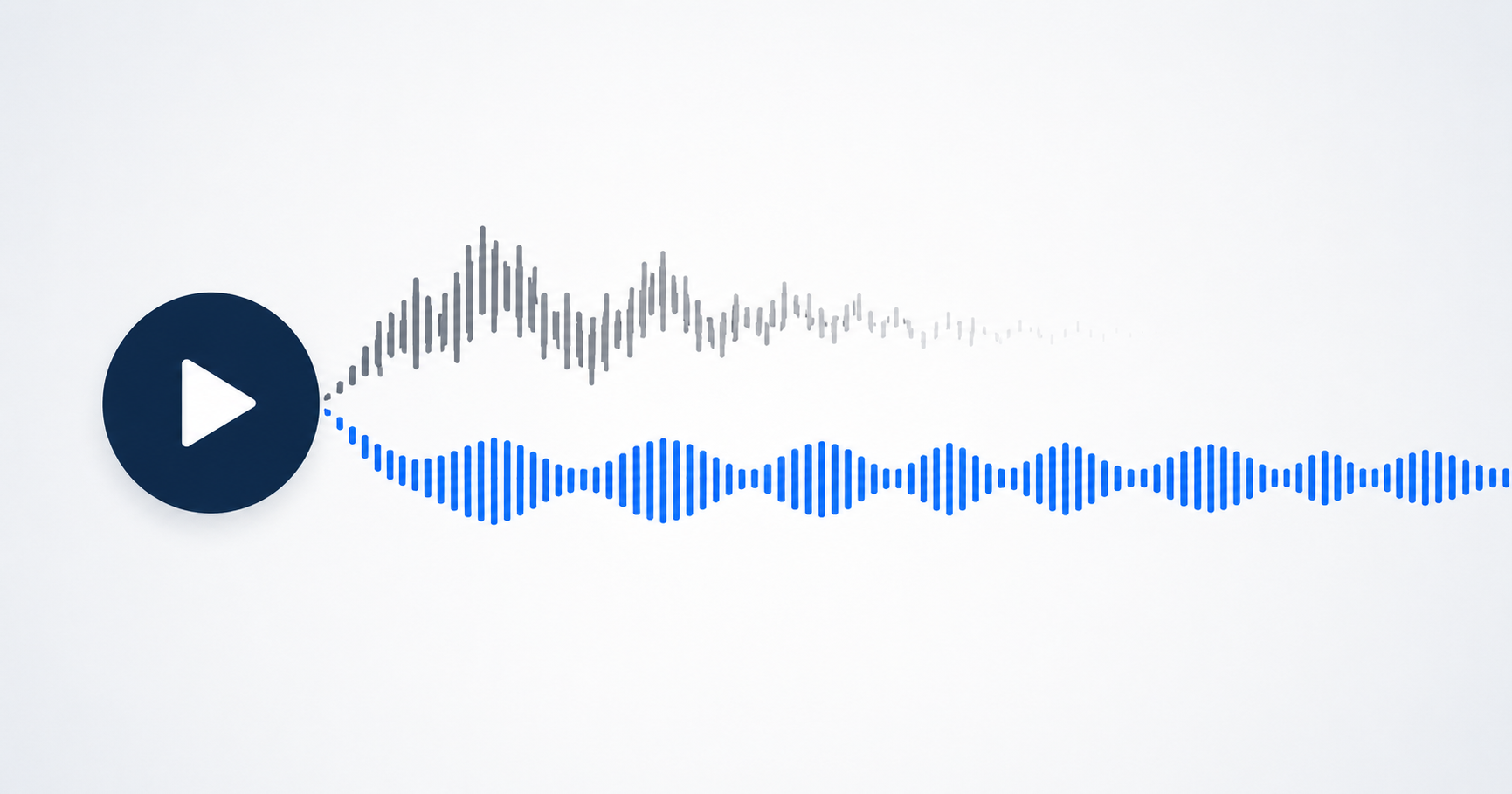
The fix is what you'd guess. Clicking a line now synthesises that line with the voice you picked, mutes the video, plays the video's window for that line, and plays the new voice over it. You hear your words in the voice that will ship, against the picture it will ship against.
What I didn't expect was to ship the original bug a second time inside the fix.
Synthesis can fail. The key might be missing, the API might be down, the line might be empty. So there's a fallback path for when there's no audio to play, and in the first version that path did the sensible-looking thing: it played the video window anyway, so you'd at least see the moment.
Unmuted. Playing your original narration. The precise defect I'd just spent a day removing, reintroduced in the branch that handles failure. That is exactly the branch nobody clicks while testing, because you have to break something first to reach it.
Now the fallback plays the window muted. You see the moment and hear nothing, and nothing is the honest answer when synthesis failed. Hearing your old voice would have been a lie about what you're buying.
The warning you can now hear
There's a second thing this bought us, and it turned out to matter more than the preview itself.
Every line has a fixed slot. Your original narrator said something between 4.2 and 7.8 seconds, and whatever we put there has to fit, because the video underneath doesn't stretch. If a rewritten line is too long for its slot, we can speed the voice up a little, but past a point it either sounds rushed or it overruns into the next line. Narration Sync is the machinery that manages that.
The editor already warned you. There was a coloured bar under each line showing estimated length against available time, going amber when it got tight. Perfectly good information, and easy to skim past. It's a bar. It's on a screen full of bars.
Preview delivers the identical fact in the medium the problem actually lives in. When a line overruns, the picture stops at the end of its slot and freezes, and the voice keeps talking over the frozen frame. You don't read that the line is too long. You hear it run out of room.
Same data, different sense, and it lands in about a second. That's not a feature we designed; it fell out of playing the audio in the right place.
Then it doubled our voice bill
Synthesised speech is metered by the character. Our plan has a hard monthly ceiling, not just a price. Run out and renders stop until the ceiling resets.
Preview draws from the same meter as rendering. So a user who previewed every line before approving paid for that script twice: once to hear it, once to ship it. In the worst case that halves how many videos we can produce in a month, and the way we'd have found out is a render failing on a Tuesday.
The fix is embarrassingly obvious in hindsight. If you previewed a line and didn't change it afterwards, we already have the exact audio the renderer is about to pay to generate. Hand it over.
Preview clips are stored under a key derived from the voice, the wording, and the voice settings they were made with. At render time the renderer takes any clip whose key matches what it was about to synthesise, and synthesises the rest. Change one word and the key changes, so you get fresh audio. Change it back and the old clip matches again, free.
Measured on a real eight-line video where two lines had been previewed: 425 characters synthesised instead of 626. The two previewed lines cost nothing to render.
The part that took the actual thought was making sure a reused clip is identical to what the render would have produced. It has to be the same voice, the same settings, and the same text. That last one had a hole in it. The renderer strips formatting out of a line before speaking it, for reasons I've written about before. The preview didn't. So on about one video in nine the preview was speaking a subtly different string than the render would. An extra space, usually. Harmless when the two are separate. Not harmless at all once one becomes the other.
So the key includes a fingerprint of every setting and of the text-cleaning rules themselves. If any of them change, no key matches, nothing is reused, and the renderer synthesises exactly as it always did. The failure mode of the optimisation is that the optimisation doesn't happen, which is the only failure mode worth accepting when the alternative is shipping someone the wrong audio.
What I'd take from it
The button was never broken. It did what it said. It just answered a different question than the one the person clicking it was asking, and there's no test that catches that, because every component passes.
What catches it is using the thing. Not testing it. Using it, with the intention of getting a real job done, and noticing the half-second where something feels off before you explain it away.
If you're building on top of AI pipelines, I'd guess you have one of these too: a step that looks like it worked, that nobody has checked against what they actually expected. Worth going to look.
Preview is live now in the script review step. Edit a line, click it, and you'll hear the line you wrote in the voice you chose. And if it doesn't fit, you'll hear that too.